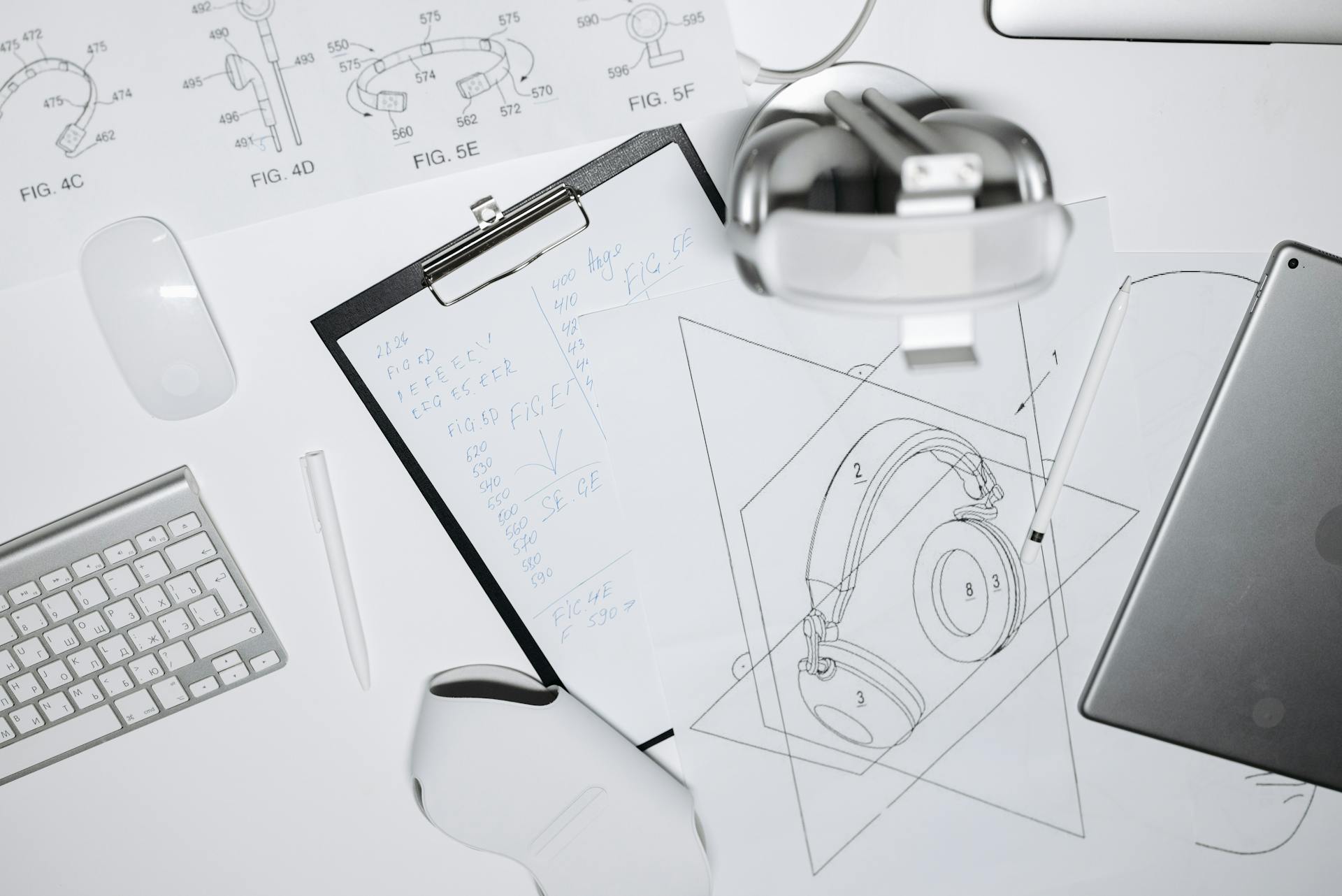
How to Prototype Product Designs in Minutes Using AI Image Tools
In the traditional product development cycle, the transition from a “good idea” to a visual prototype used to take weeks, if not months. It involved manual sketches, expensive CAD modeling, and physical mockups.
Today, the landscape has shifted. By leveraging a high-performance AI image generator, designers and entrepreneurs can now visualize, iterate, and refine product concepts in a matter of minutes.
The Shift from CAD to AI
Traditional prototyping focuses on precision and engineering. While those steps are still necessary for manufacturing, they are often overkill for the initial “ideation” phase. The goal of early-stage prototyping is to communicate the look and feel of a product.
An AI image generator acts as a bridge between a thought and a visual reality. By entering a descriptive prompt, you can see a high-fidelity render of your product from multiple angles, under various lighting conditions, and in different materials before you ever touch a piece of modeling software.
Step 1: Crafting the Design DNA
To prototype effectively with AI, you must learn to speak the language of design in your prompts. A vague prompt like “a modern chair” will yield generic results. To get professional-grade prototypes, you need to specify:
- Materials: Mention “anodized aluminum,” “matte polycarbonate,” or “recycled oak.”
- Design Language: Use terms like “Bauhaus,” “Minimalist,” “Industrial,” or “Biomorphic.”
- Lighting & Setting: Specify “studio lighting,” “soft bokeh background,” or “product photography on a white pedestal.”
By refining these details, the AI understands the physical properties you want the prototype to convey.
Step 2: High-Velocity Iteration with Google Nano Banana 2
One of the biggest challenges in AI design is finding a tool that balances creative freedom with ease of use. For designers who need to move from a concept to a gallery of options quickly, NanoBanana 2 has emerged as a top-tier choice.
Unlike more complex platforms that require hours of configuration, Nano Banana 2 is built for speed and visual clarity. It allows you to quickly swap textures and colorways on a base design, making it the perfect companion for a rapid prototyping workflow. If you are stuck on whether a product looks better in “midnight green” or “brushed copper,” you can generate both versions in Nano Banana 2 side-by-side, helping stakeholders make decisions in real-time.
Step 3: Material Exploration and Texture Testing
In physical prototyping, testing different materials is expensive. You have to order samples and wait for shipping. With an AI image generator, you can conduct “virtual material testing” instantly.
For example, if you are prototyping a luxury watch, you can prompt the AI to render the same watch face with a leather strap, a titanium link bracelet, and a rubber sports band. This allows you to see how light interacts with different surfaces—the glint off the polished metal versus the soft shadows on the leather—giving you a sense of the product’s premium quality before a single physical component is ordered.
Step 4: Visualizing the User Environment
A product doesn’t exist in a vacuum. A key part of prototyping is seeing how the object fits into its intended environment. AI allows you to perform “in-situ” prototyping.
Instead of just rendering a coffee machine on a white background, you can prompt the AI to place it in a “modern Scandinavian kitchen during sunrise.” This helps you evaluate if the design language of your product complements the lifestyle of your target demographic. This level of contextual visualization was once reserved for high-end marketing agencies with massive CGI budgets; now, it’s available to anyone with a prompt.
Step 5: The Bridge to 3D and Manufacturing
It is important to remember that AI-generated images are currently 2D. However, they serve as the “blueprints” for the next stage. Once you have used your AI image generator to land on a final aesthetic, the resulting image can be fed into 3D modeling software or shared with industrial designers.
Many modern 3D artists use these AI images as “image planes” or references to build accurate CAD models. Having a photorealistic AI prototype as a reference significantly reduces the “lost in translation” errors that often occur between a client’s vision and a designer’s execution.
The Competitive Edge of AI Prototyping
The speed of the market is faster than ever. If it takes you three months to visualize a product and your competitor does it in three days, you’ve already lost.
Using tools like NanoBanana2 and other advanced AI generators allows you to:
- Reduce Costs: Eliminate the need for dozens of physical 3D-printed iterations.
- Increase Creativity: Explore “wild” design ideas that you might have been too afraid (or too broke) to try with traditional methods.
- Improve Communication: Show investors and partners exactly what the finished product will look like, rather than relying on hand-waving and vague descriptions.
Conclusion
Prototyping is no longer a bottleneck in the design process. By integrating an AI image generator into your creative stack, you can collapse the timeline between imagination and visualization. Tools like NanoBanana2 provide the necessary speed and aesthetic polish to turn a simple text prompt into a professional design asset. In the modern world of product development, the most powerful tool in your workshop isn’t a 3D printer or a lathe—it’s the AI that helps you see the future of your design in minutes.